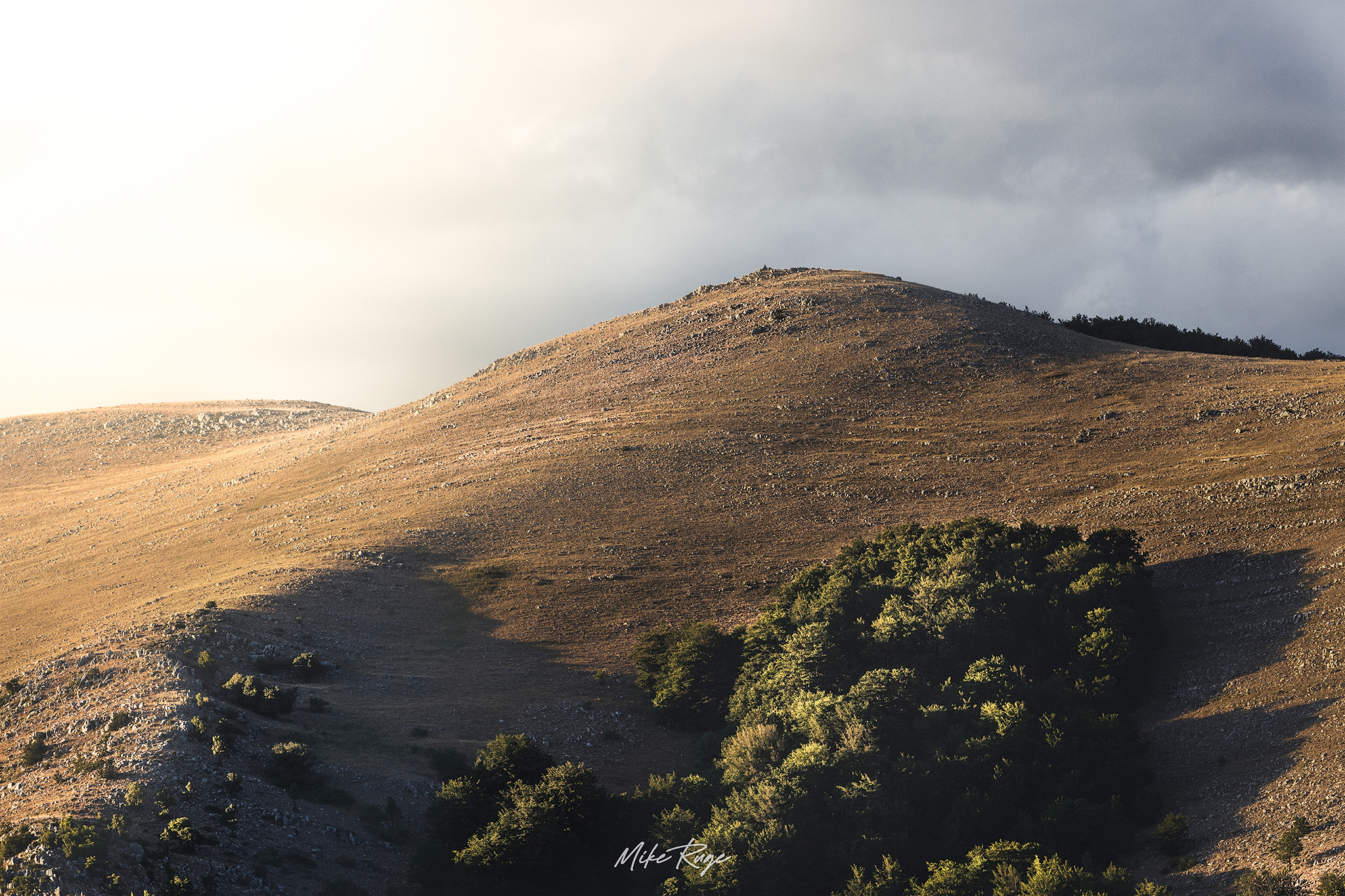
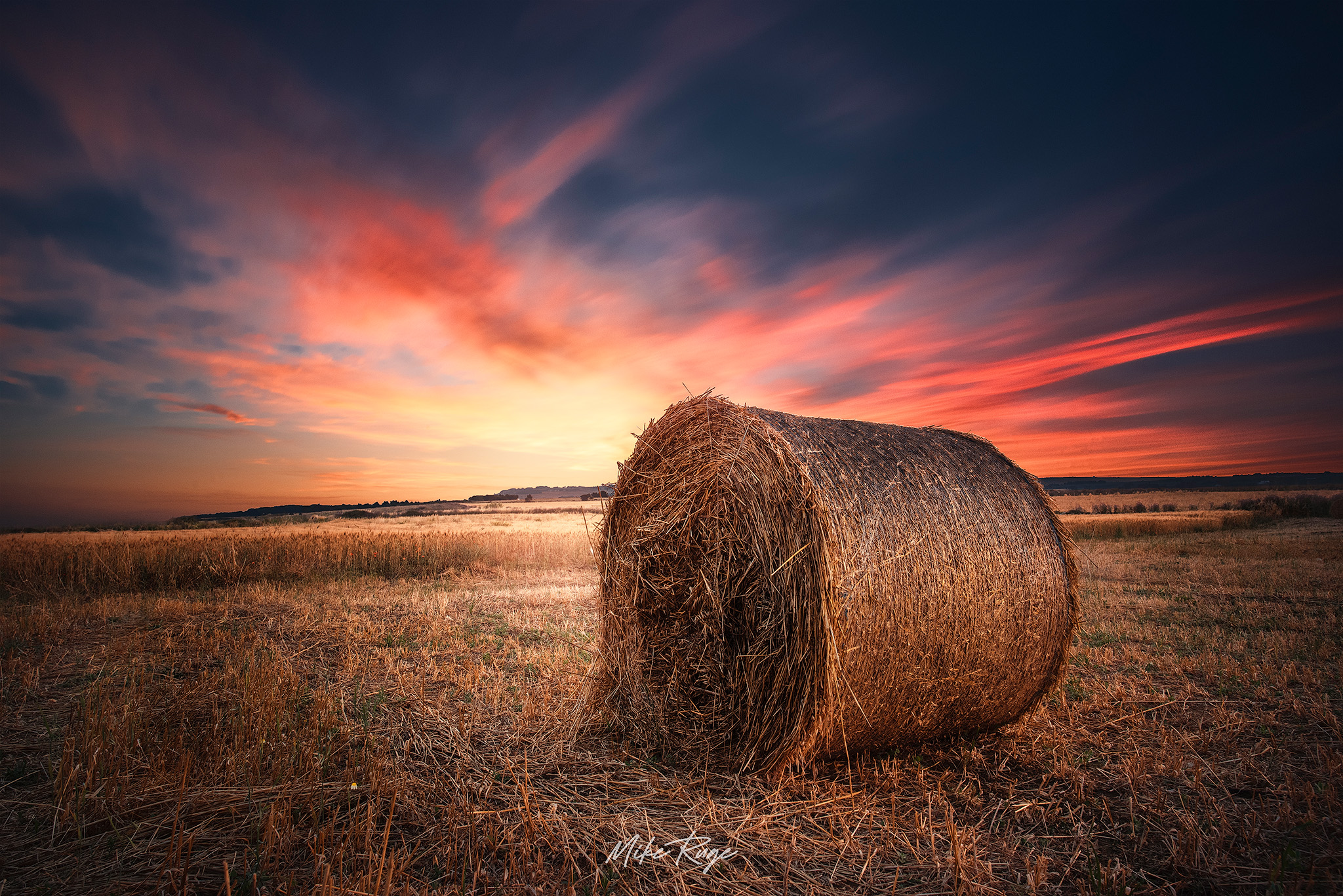
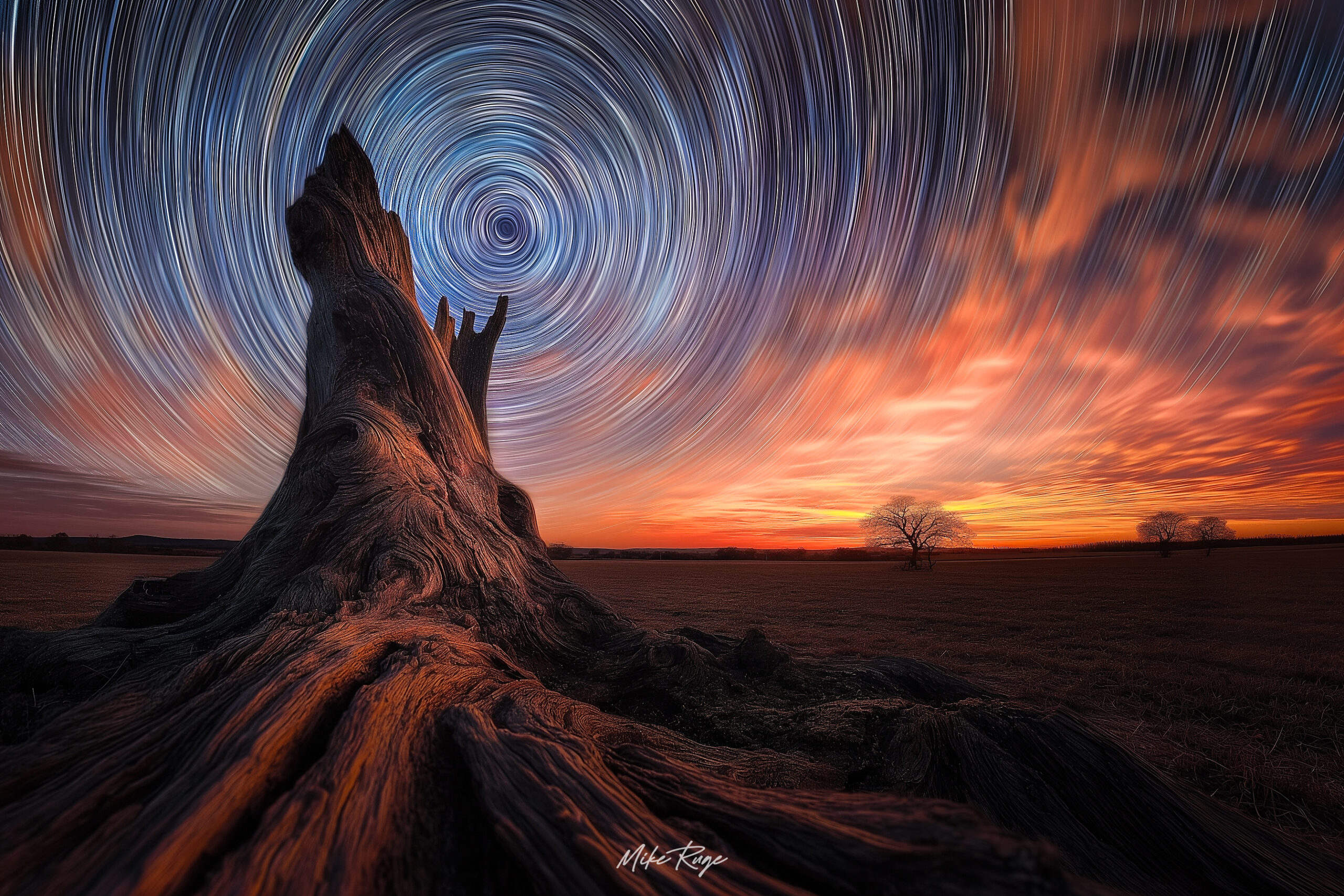
Smart masks
Get luminance, hue, zones, and saturation generated with clean, immediate algorithms. Smooth selections with no fringes or posterization.


Everything is designed to deliver clean selections, deeper control, and natural results— with no wasted time or gimmicks.
Get luminance, hue, zones, and saturation generated with clean, immediate algorithms. Smooth selections with no fringes or posterization.
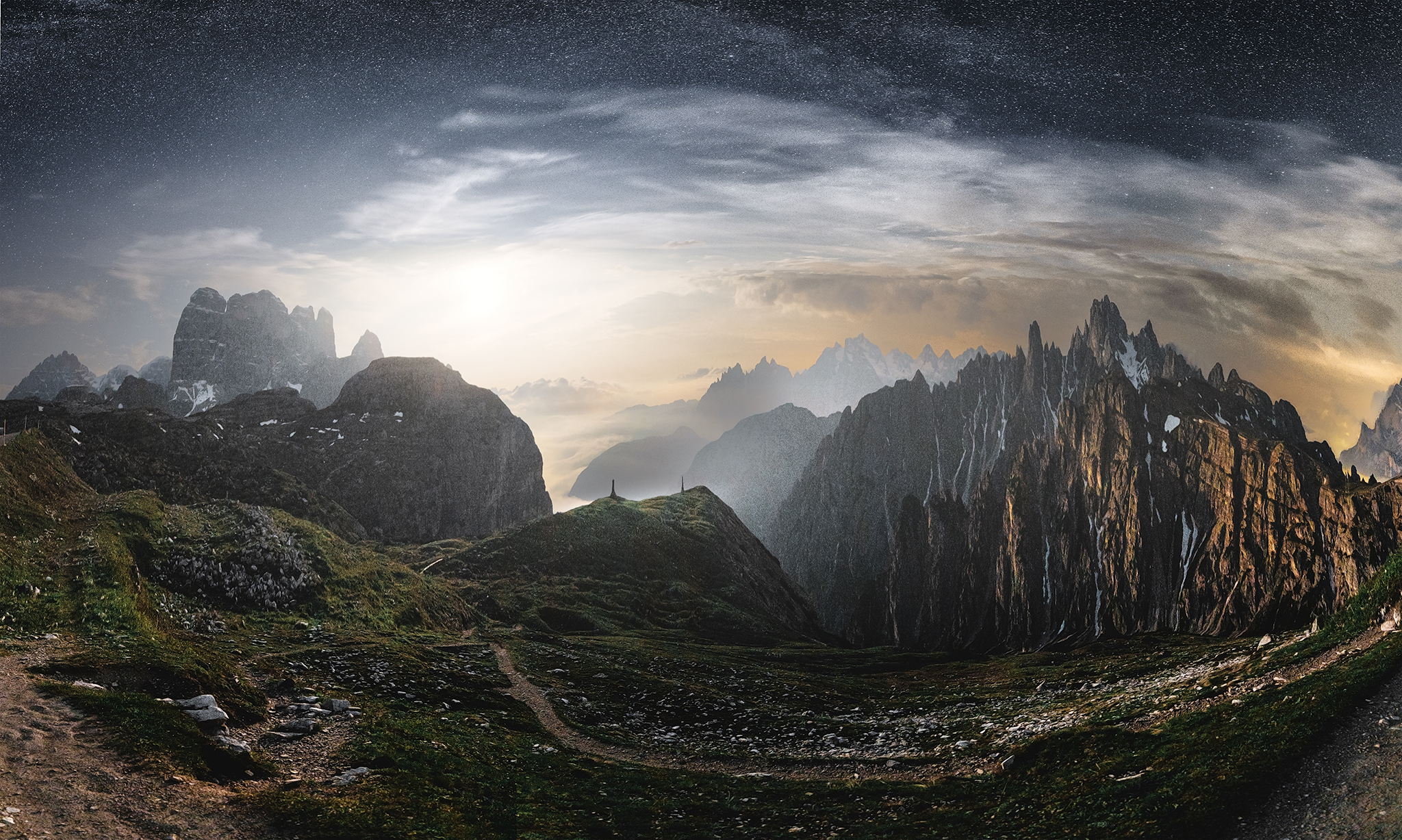
The Landscape and Astrophotography modes solve concrete problems: haze, flat contrast, dull colors, intrusive stars, gradients, and noise. Not presets, but targeted controls.
Cut hours of selections down to a few clicks. LumaRange gives you more time for creative interpretation, ensuring consistent and crisp results.
LumaRange generates natural, artifact-free selections. Adjust light, color, and detail with precision—no fringes, halos, or posterization, even in the most complex areas.
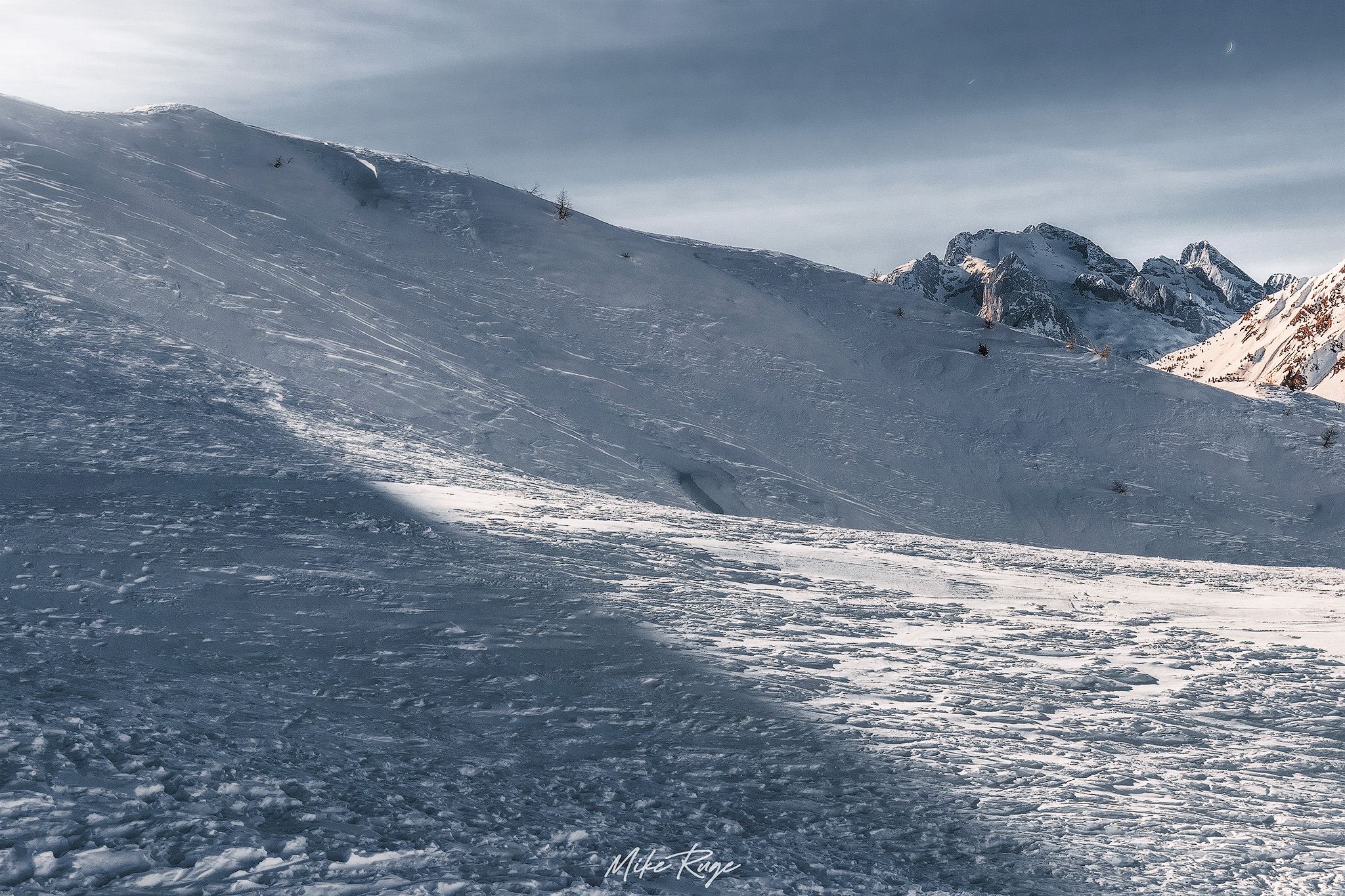
Separate highlights, midtones, and shadows with soft transitions—ideal for selective contrast, chiaroscuro shaping, and micro-adjustments with surgical accuracy.
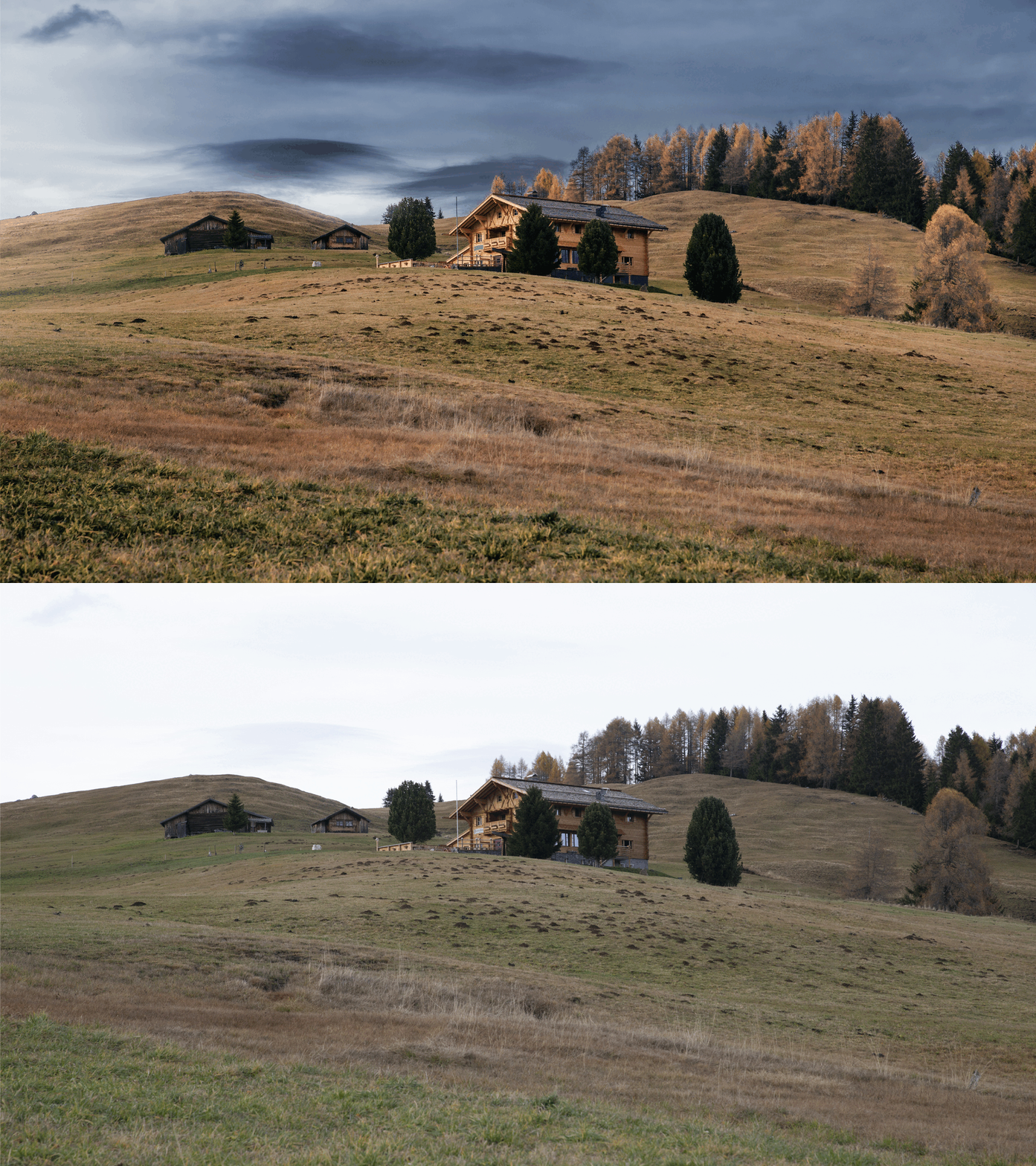
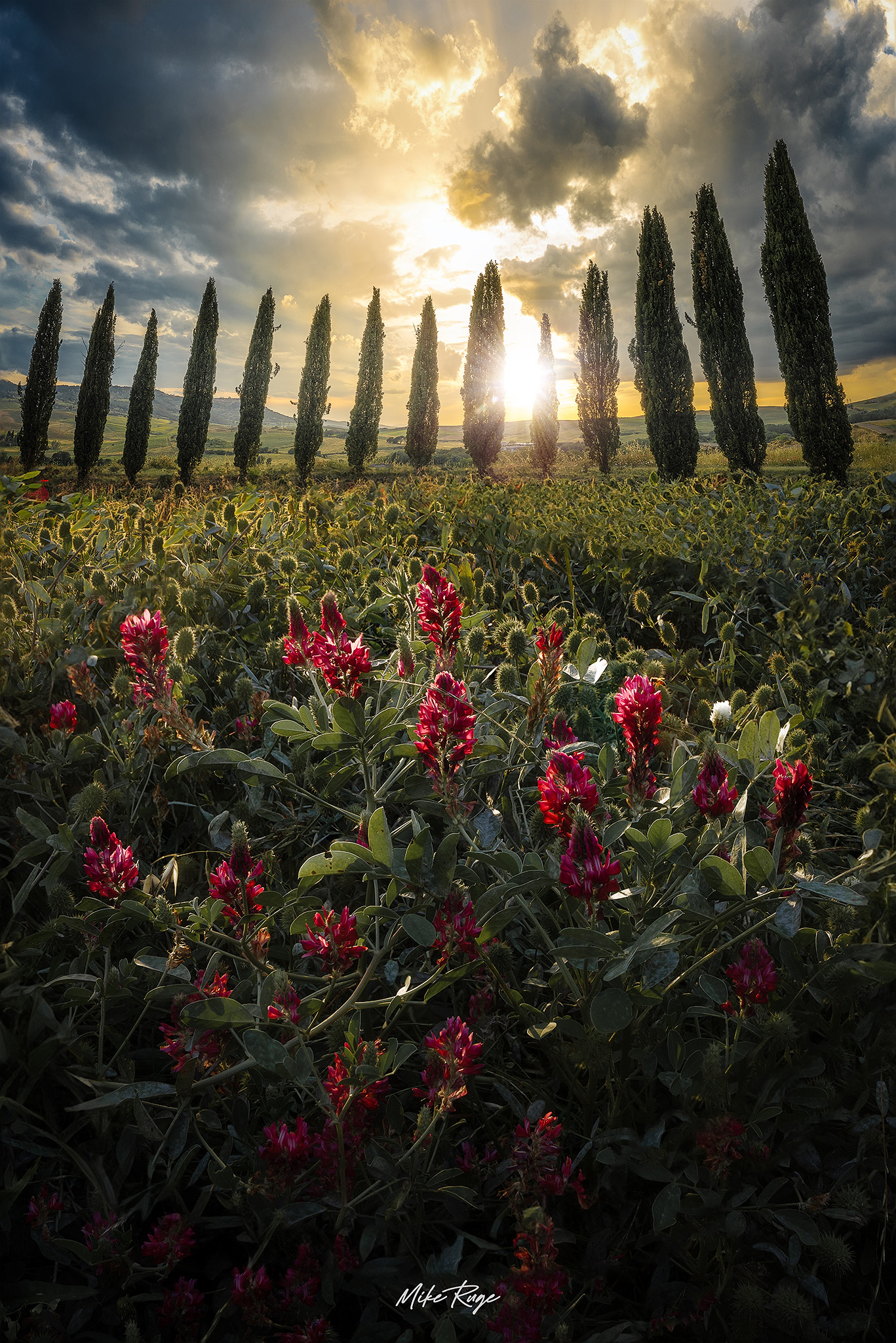
Work on warm/cool balance or specific tonal zones without color contamination. Keep edges pristine—even on complex subjects.
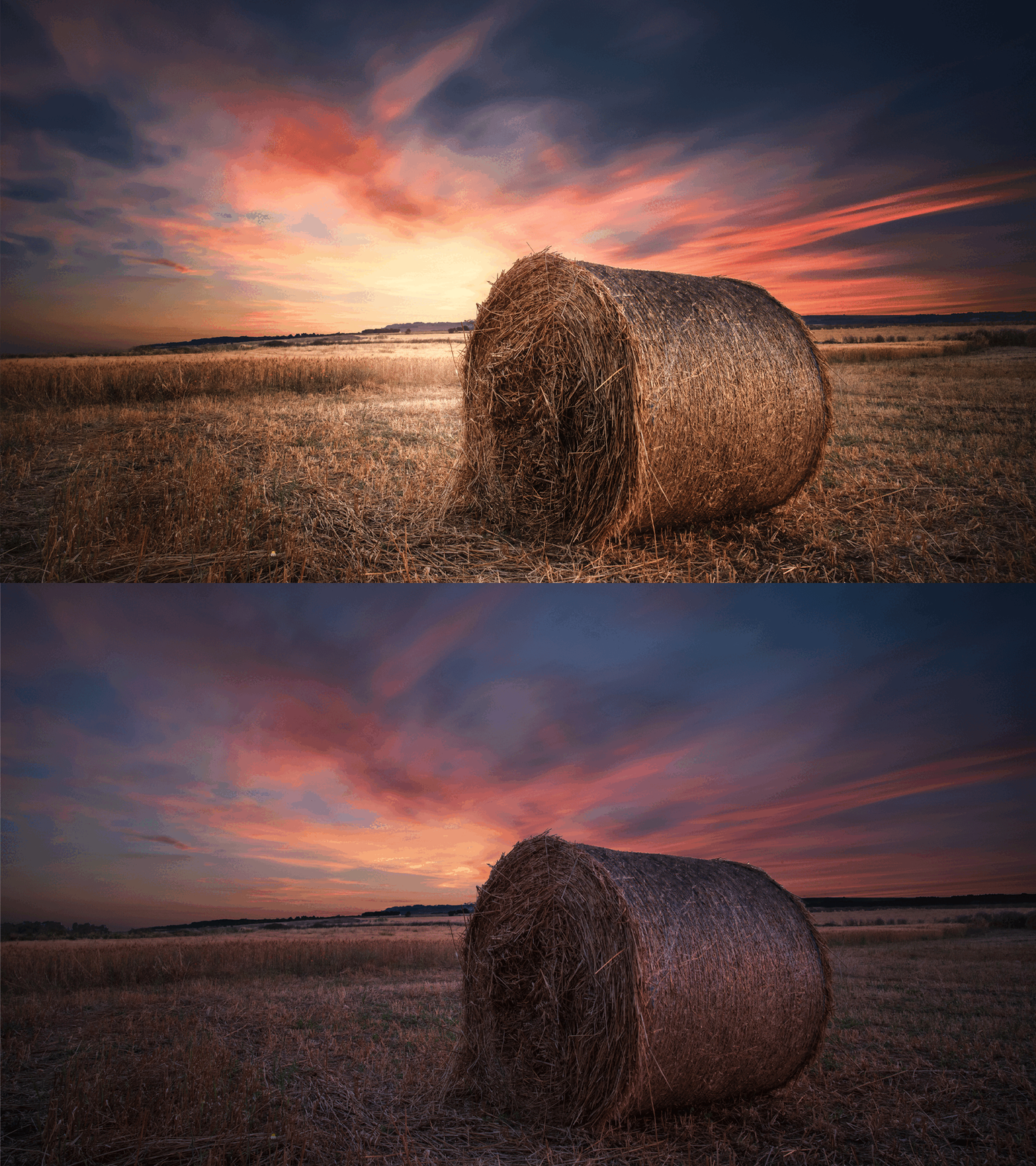
Isolate only what truly needs correction: crisp details to sharpen, over-saturated areas, or muddy hues. No halos, no amplified noise.
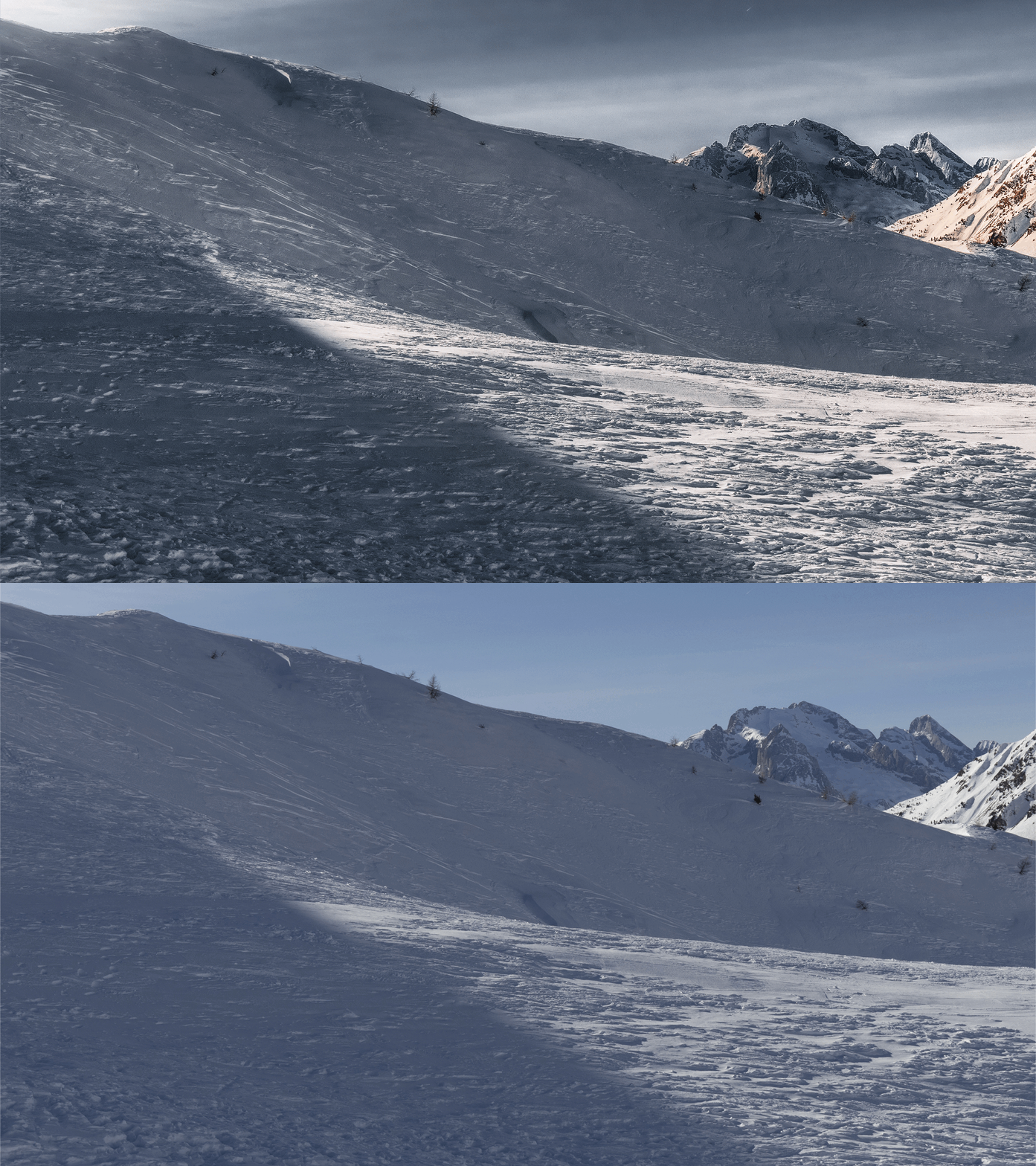
LumaRange is built for creators who want total control without wasting time on manual selections, imprecise masks, or chaotic workflows. Whether you’re working on landscapes, portraits, or night skies, you’ll get cleaner, deeper, and more natural results in a fraction of the time.
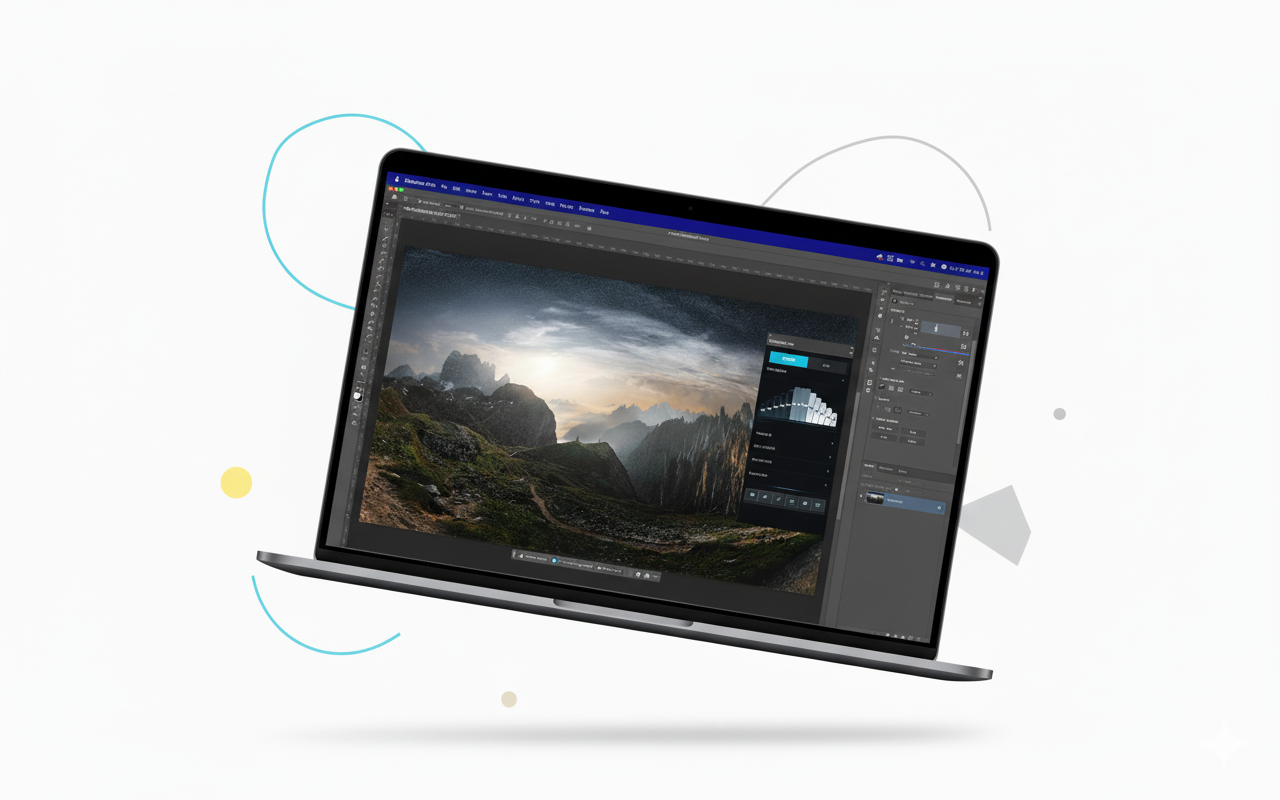
LumaRange isn’t a preset bundle dressed up as a plugin. Every tool performs pixel-level analysis based on ranges, local gradients, and real tonal distributions. Built entirely on Adobe’s UXP architecture, all operations are non-destructive and GPU-optimized whenever available.
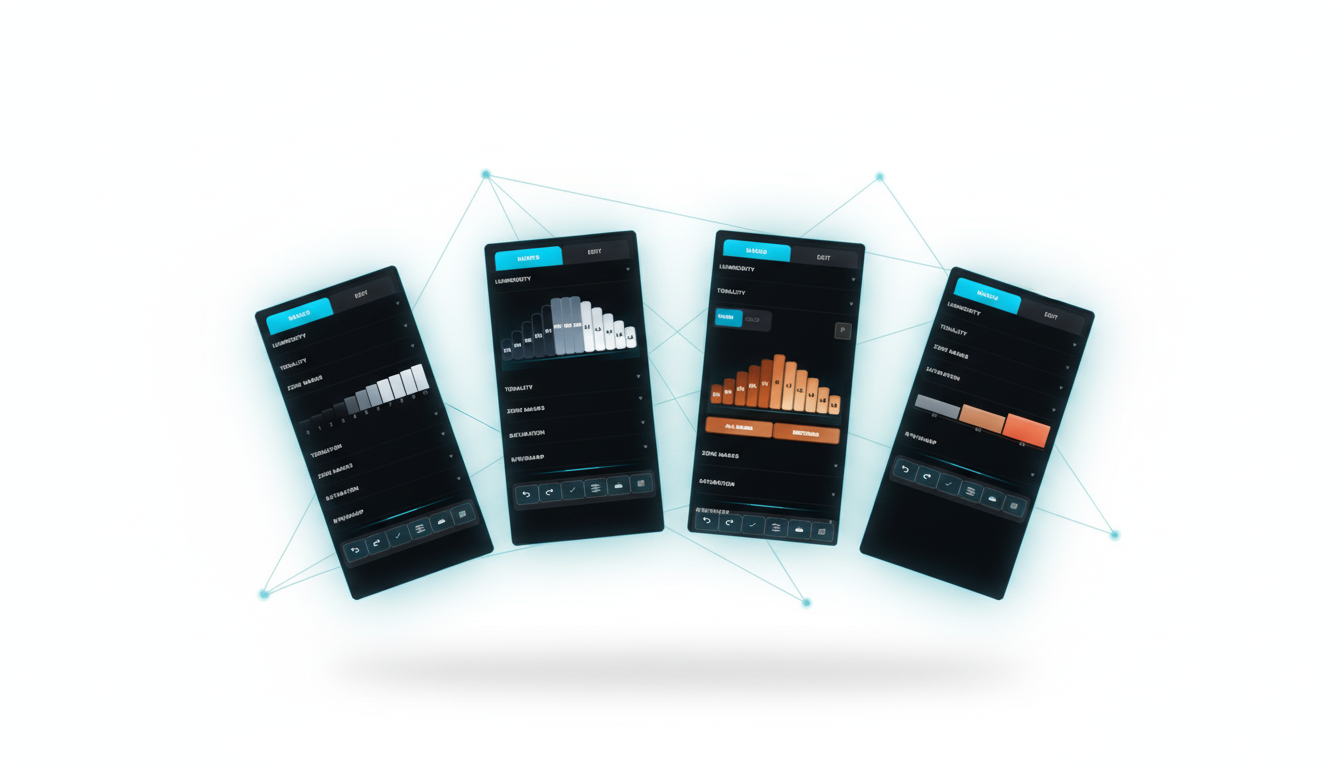
Luminance masks are generated across a continuous 0–255 luminance domain using soft transitions that eliminate posterization. Custom Gaussian falloffs ensure highlights, midtones, and shadows blend naturally, even in noisy or compressed images.
Instead of relying on a simple HSL threshold, LumaRange analyzes local chromatic shifts and evaluates angular distance on the color wheel. This prevents errors on neutral colors and on areas where contaminated blues drift toward green.
Inspired by Ansel Adams but rebuilt with pixel statistics: ten tonal zones derived from the luminance distribution. Each zone includes automatic feathering to prevent banding and micro-halos common in manual constructions.
Saturation is measured by the pixel’s distance from the center of the Lab color cylinder rather than “visual” saturation. This isolates genuinely saturated areas without picking up noise or boosting unwanted colors.
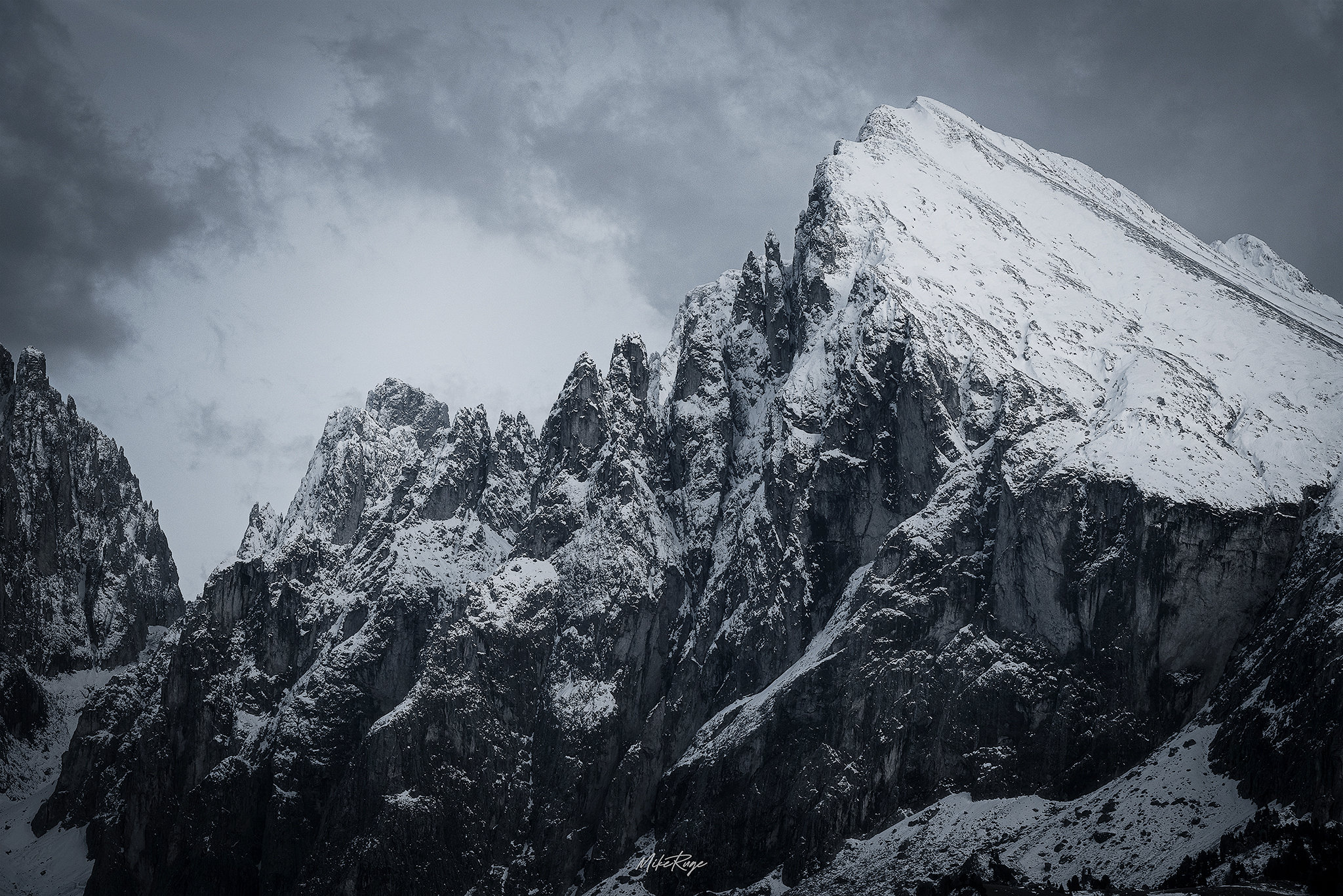
Using a hybrid edge detector that combines gradient magnitude and local contrast, LumaRange targets only meaningful edges. It avoids sharpening noise or unstable fine textures, eliminating classic sharpening halos.
Astro Mode uses point-source star detection (luminance + shape), locally regressed background estimation for gradient removal, and nebula-structure detection to enhance faint detail without amplifying noise.